# Managing Your Data
## Automatic message deletion
Here you can choose to delete messages from your local chat database after a set period of time.
**Please note**: This option does not delete messages for other users, only for you. This option is set independently for each chat profile.
## Chat Database
To open your chat database settings:
- [Open the app settings](https://simplex.chat/docs/guide/app-settings.md#opening-the-app-settings).
- Tap on "Database passphrase & export" button.
### Database passphrase
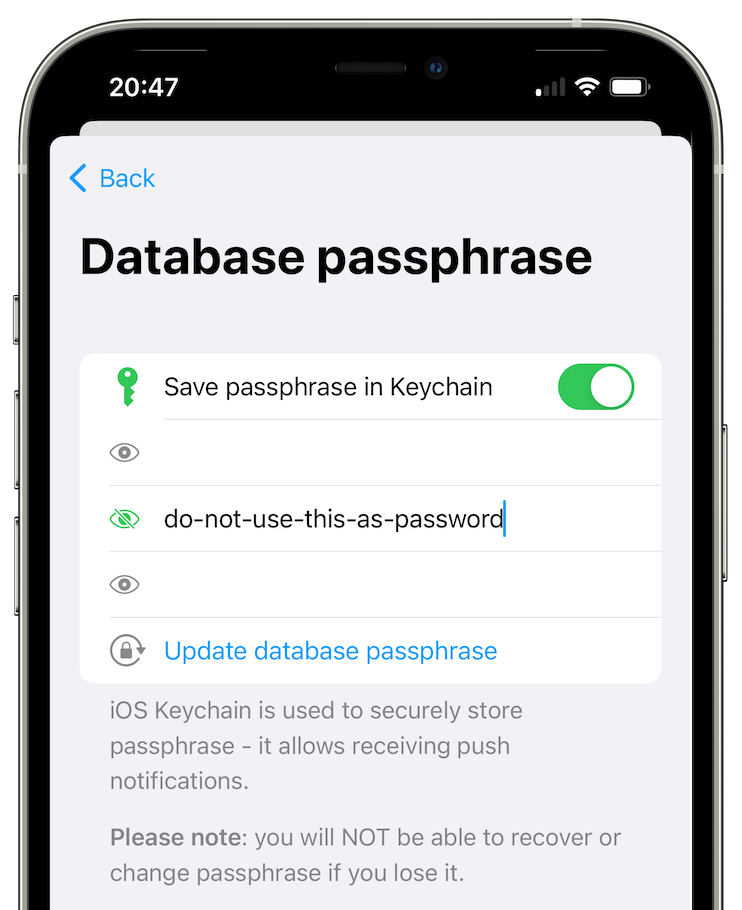 By default, database passphrase is random, you have to set it manually to be able to export it.
### App data backup
Here you can allow the system to back up app data, wherever it is configured. A database passphrase must be set to use this.
### Export database
Here you can export the chat database to a file.
### Import database
Here you can import the chat database from a file.
### Delete database
Here you can delete your chat database. WARNING: Results in a loss of all your SimpleX Chat data! Unless you have just exported the chat database.
## Delete files and media
By default, database passphrase is random, you have to set it manually to be able to export it.
### App data backup
Here you can allow the system to back up app data, wherever it is configured. A database passphrase must be set to use this.
### Export database
Here you can export the chat database to a file.
### Import database
Here you can import the chat database from a file.
### Delete database
Here you can delete your chat database. WARNING: Results in a loss of all your SimpleX Chat data! Unless you have just exported the chat database.
## Delete files and media
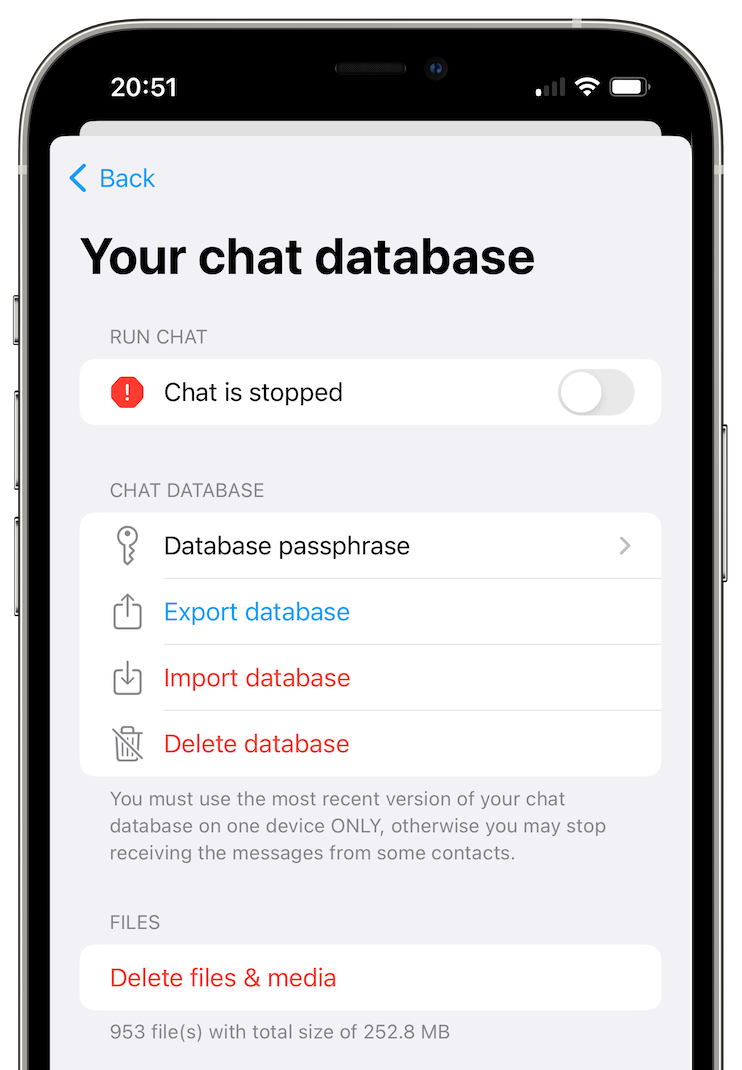 You can delete all sent and received files and media stored in the app via this option, without deleting the messages.